Ask in plain language
Start with the question you actually need answered.
Upload a workbook, ask a business question, and get a chart-led result with the calculation behind every number.
Watch the synthetic sales sample and download every file, no account needed.($13,850 − $9,200) ÷ $9,200 = 50.54%Start with the question you actually need answered.
Results keep source rows, steps, and assumptions close at hand.
Download data snapshots and charts for the next conversation.
Two CSV files went in: 16 order rows (one duplicated) and a product list. The question was to total net and gross sales by month, rank products, split sales by region and check the numbers. Seven files came out. Every one of them is below, so you can open the Excel workbook and check the 50.54% month-over-month figure yourself.
ToCharts is an AI spreadsheet analyst. It answers business questions about your data, shows how each number was produced and hands back files you can keep working with.
Describe the comparison, total, trend or chart you need the way you would ask a colleague. Follow-up questions build on the previous result instead of starting over.
The Agent inspects your columns, then runs the calculation as Python in an isolated sandbox. Totals are reconciled against the source before the result is accepted.
Each result has tables and the charts built from them, so the picture and the numbers always agree. Bar, line and pie charts cover most business questions.
Download an Excel workbook with native charts you can restyle, a CSV for each table, the structured JSON and an offline HTML dashboard. Ask for a PPTX when the result is going into a meeting.
The execution log names each step in business terms: reading files, inspecting data, running the calculation, checking totals. Technical details stay one click away for anyone who wants them.
Add the spreadsheet together with the context that explains it: a PDF report, a Word brief or a PowerPoint deck. The Agent reads them as reference for the analysis.
The workspace keeps the analysis visible while you refine it.
Upload CSV, TSV or XLSX, plus any PDF, Word or PowerPoint context.
Describe the comparison, total, trend, or chart you need.
Read the step log, the total checks and the assumptions.
Download Excel, CSV or the HTML dashboard, or ask a follow-up.
A conclusion is useful only when you can trace it. ToCharts keeps formulas, inputs, row counts, and assumptions beside the result.
(13,850 − 9,200) ÷ 9,200 = 50.54%Inputs: Net Sales · 15 orders after de-duplication
Assumption: Month comes from Order Date; USD values are not converted.
Each case has its own input CSV, prompt, Excel workbook, offline dashboard and short video. The metrics below are calculated from the input file, not typed in.
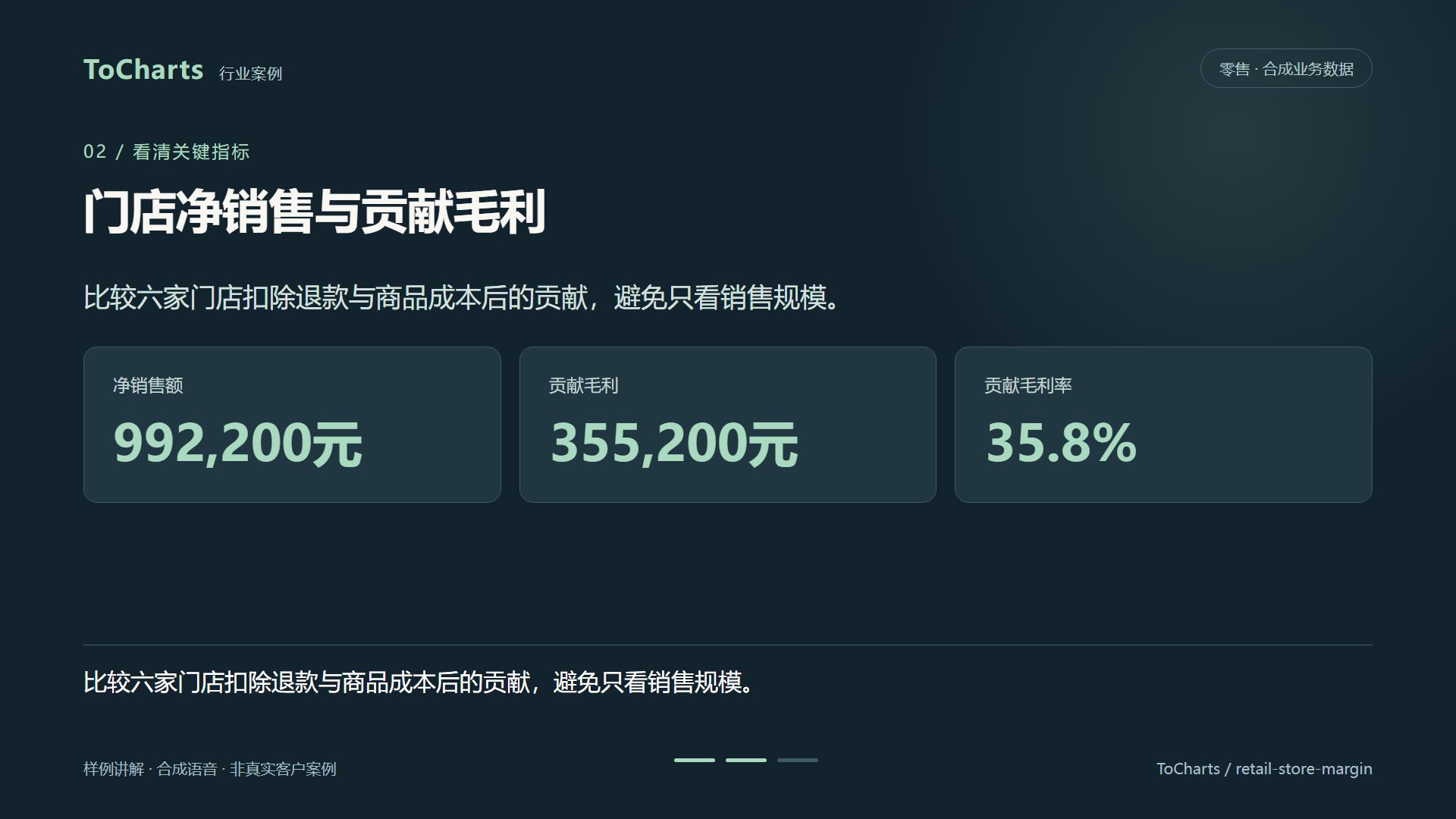 Retail · Business contribution
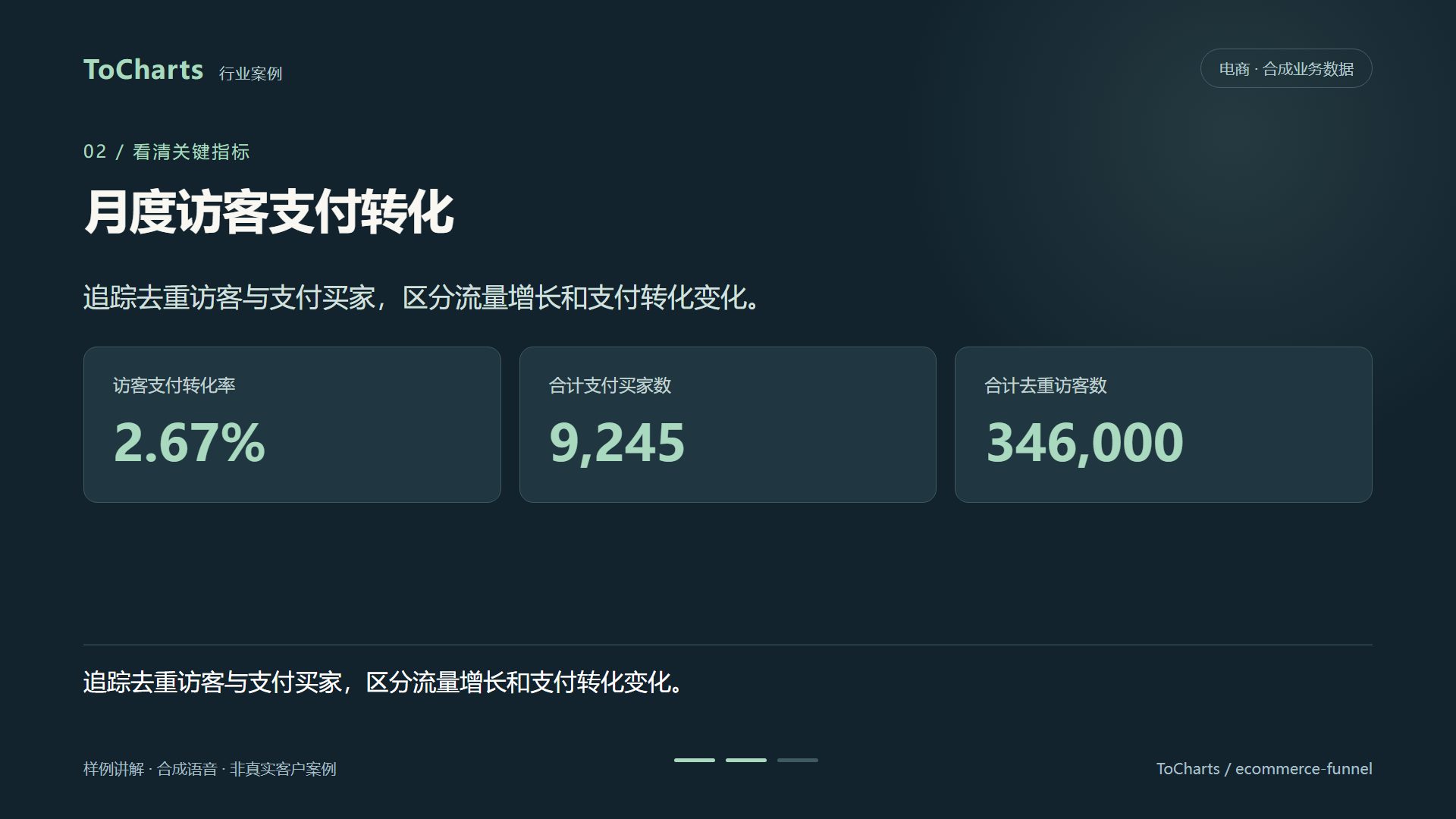 E-commerce · Time trends
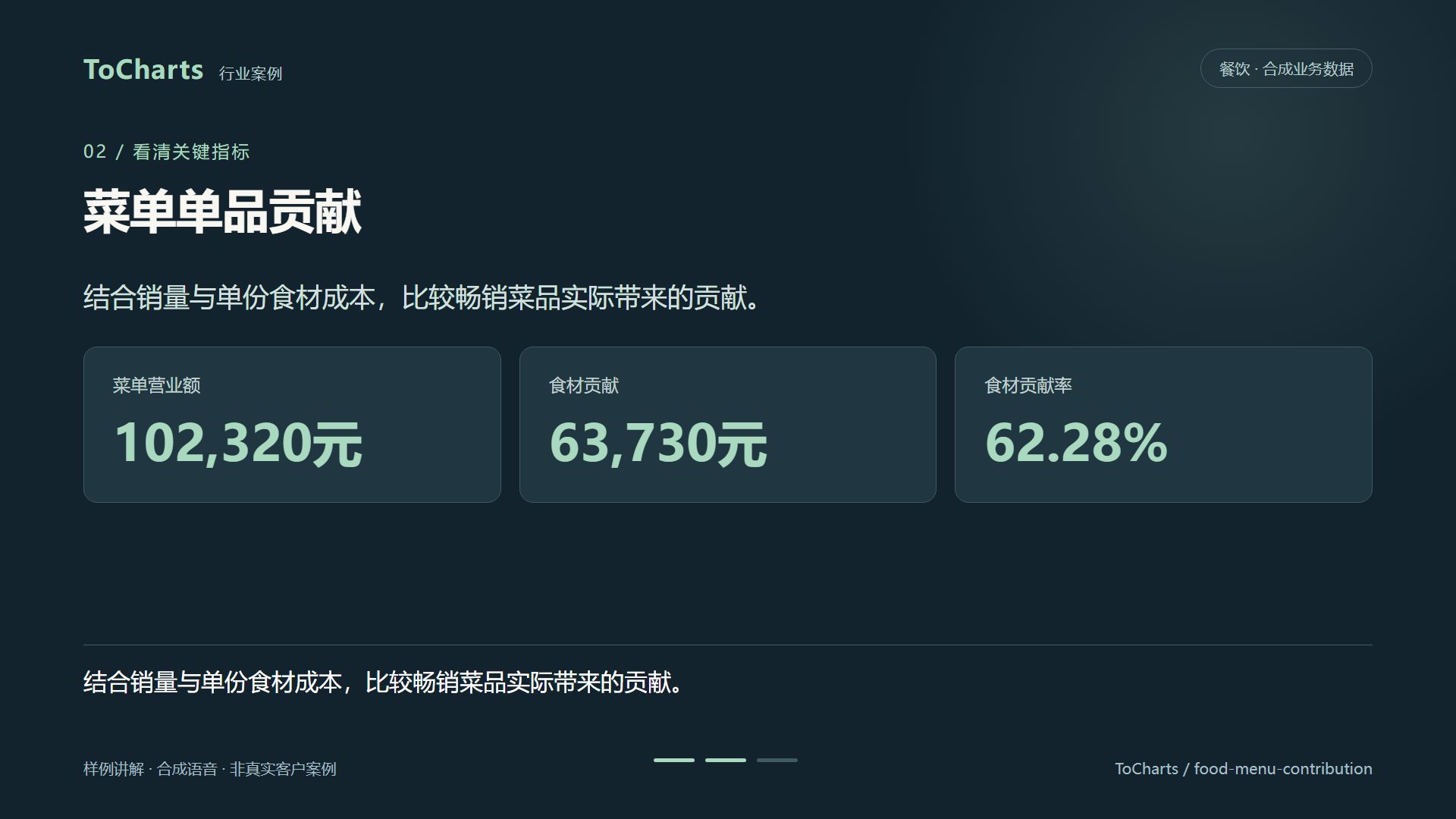 Food service · Business contribution
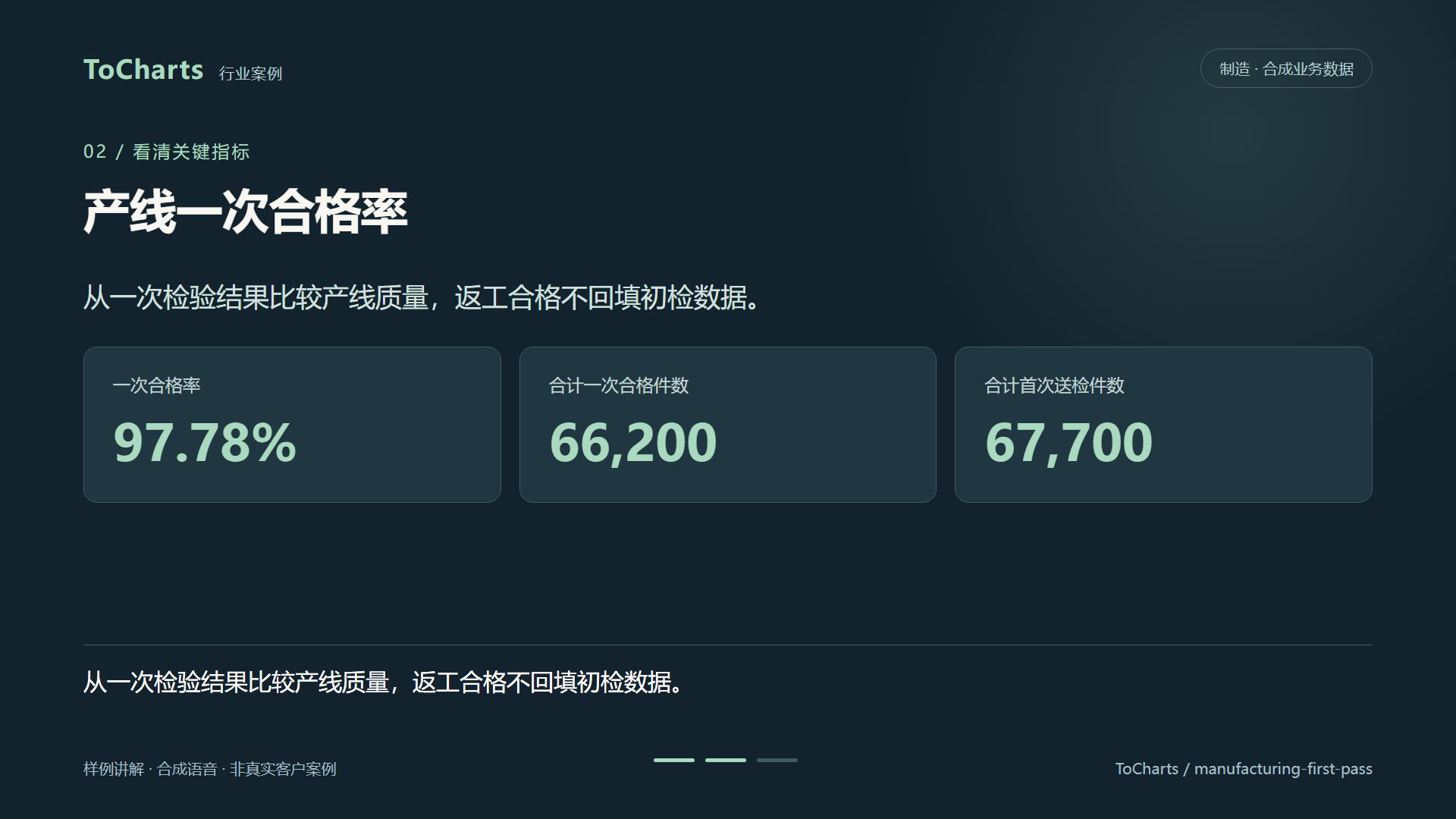 Manufacturing · Efficiency & quality
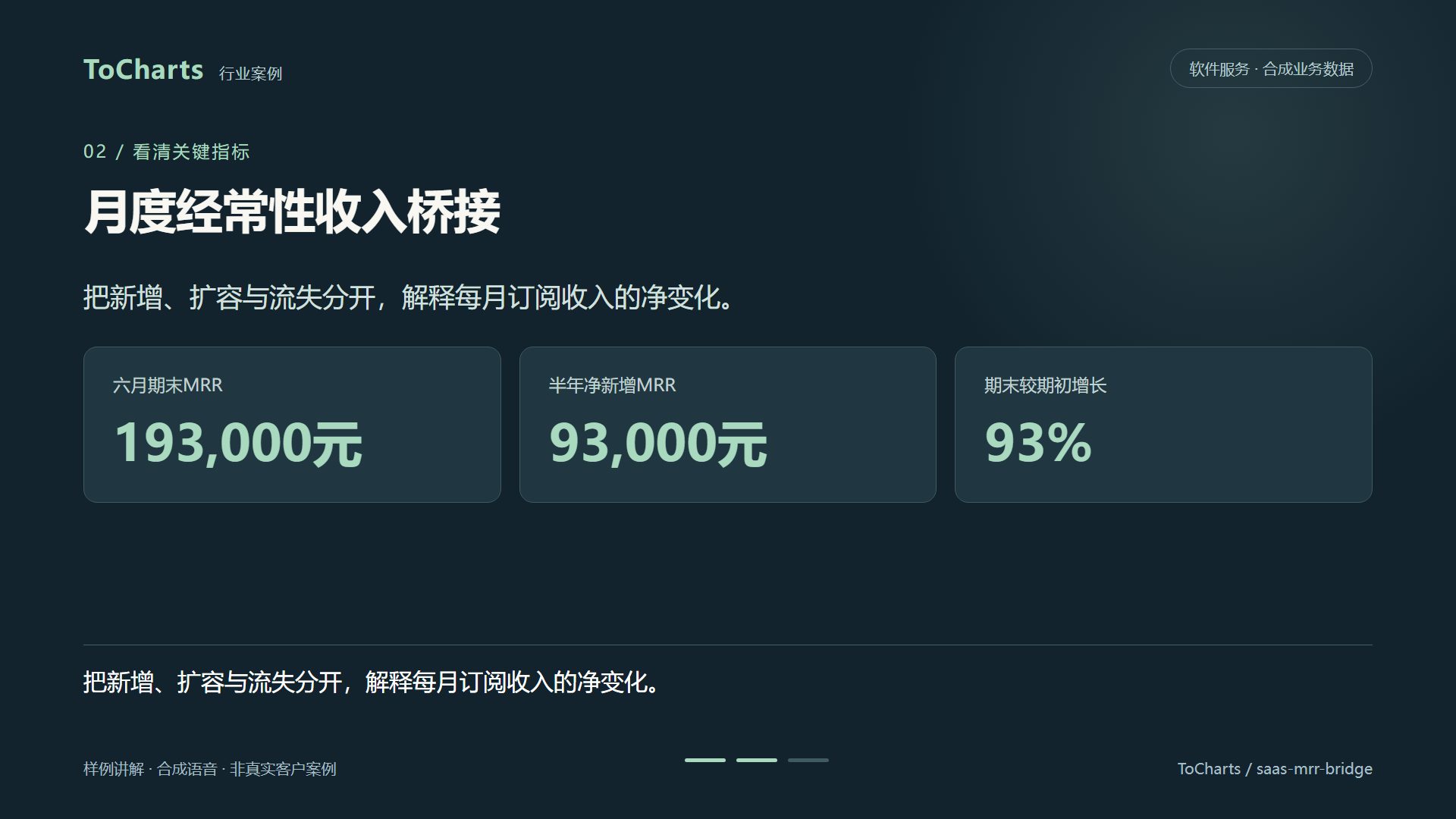 Software services · Time trends
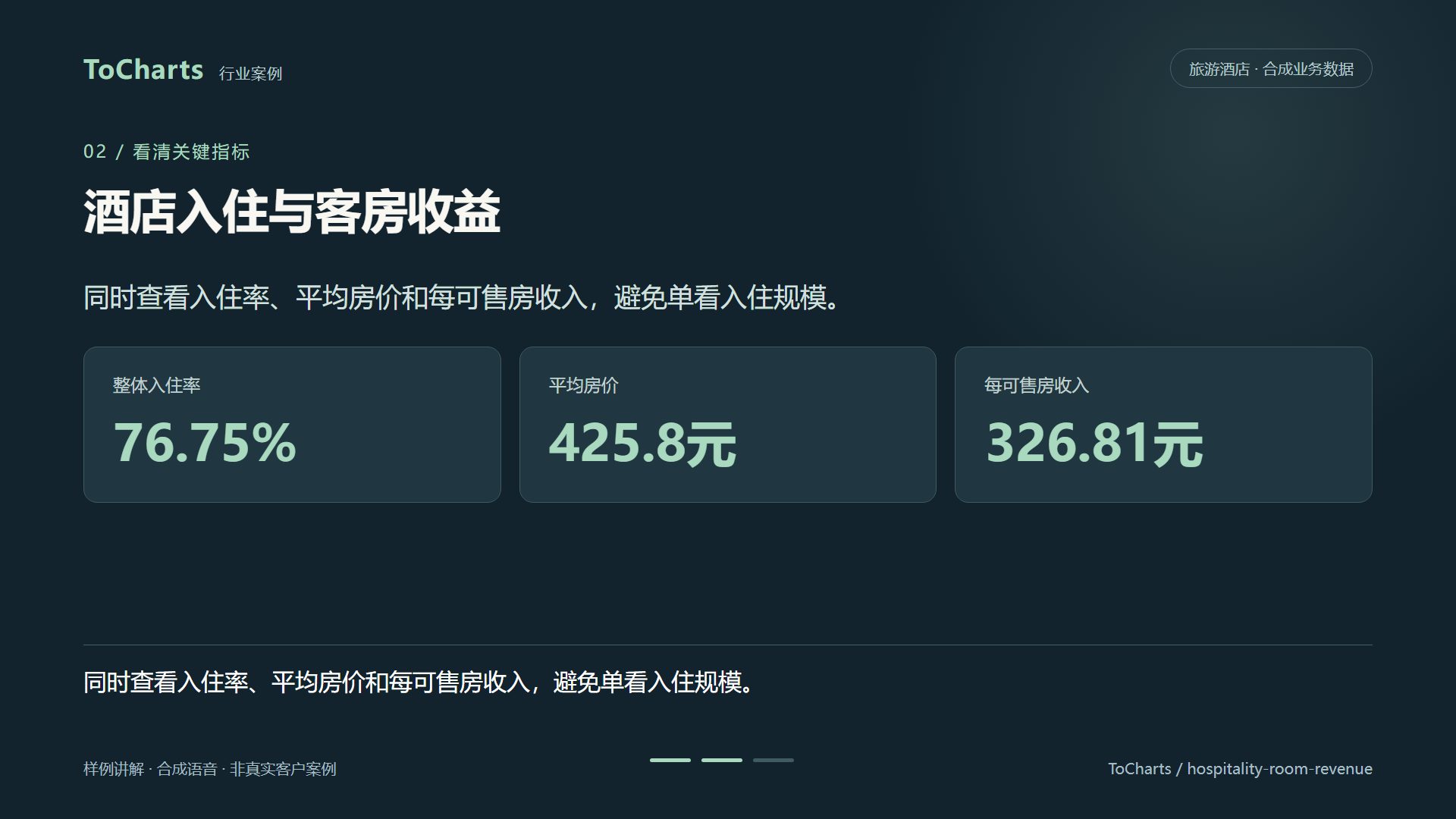 Travel & hospitality · Time trends
Synthetic operating data. Result files and chart labels are in Chinese.
Browse all 30 cases →These are the limits the workspace enforces today, so you can tell before uploading whether a question will fit.
People who live in spreadsheets but do not want to build every pivot by hand.
Turn monthly exports into reconciled summaries with the working attached, ready for review.
Rank products, compare regions and track conversion or return rates without rebuilding the same pivot every week.
Ask direct questions about revenue, costs and customers and get an answer you can check.
Follow margin, waste, occupancy or labour productivity across stores or properties.
Summarise attendance, assessment and renewal data for each class or cohort.
Get the tables, charts and an editable workbook in one pass, then drop them into a deck or document.
Excel is still the right place for detailed modelling. ToCharts takes over the repetitive part between a raw export and a reviewed answer.
| Step | By hand in a spreadsheet | With ToCharts |
|---|---|---|
| Cleaning | Find duplicates and blanks with filters | Inspected and reported before calculating |
| Joining files | Write lookups between sheets | Joined by a shared key you can name in the question |
| Calculating | Build pivots and formulas | Python in a sandbox, totals reconciled |
| Charting | Insert and format each chart | Charts generated from the result tables |
| Explaining | Write up the method separately | Steps, checks and assumptions delivered with the result |
Knowing the edges saves time.
AI analysis uses EndTo credits. Credits are reserved when you submit a question, settled against actual usage when it finishes, and anything unused is returned.
The sample, the 30 cases and the free chart tools need no account.
See credit packs →Uploaded files and results are stored with your EndTo account so you can reopen an analysis and ask a follow-up.
Downloads are checked against your account, and no analysis is ever published as a public page.
Privacy policy →Make a bar, pie or line chart in your browser, or learn which chart fits your data — no sign-up needed.
ToCharts is an AI spreadsheet analyst from EndTo.AI. You upload CSV or Excel files, ask a business question in plain language, and get tables, charts and a written summary, with the steps and checks behind every number and files you can download.
Data in CSV, TSV or XLSX, plus context documents in text PDF, DOCX, PPTX, TXT or HTML. You can add up to 5 files with a combined size of 10 MiB to one question. Convert legacy .xls files to .xlsx first.
The calculation runs as code in an isolated sandbox, totals are reconciled against the input rows, and the result lists its checks, assumptions and steps. The downloadable Excel and CSV files let you recompute any figure yourself.
An Excel workbook with a summary sheet, result sheets and native charts, a CSV for each table, the structured JSON and an offline HTML dashboard. You can also ask for a PPTX chart deck.
No. The exported workbook contains the calculated values and native charts. Formulas and macros from your source workbook are not preserved, and macros are never run.
Yes. A follow-up reuses the files and result of the earlier analysis, so you can drill into a month, change a breakdown or add a chart without uploading again.
Bar, line and pie charts, each built directly from a result table. For a quick chart without AI, the free bar, line and pie chart makers work in your browser.
Yes. The sales sample replays a complete analysis and lets you download every input and output file, and the case library has 30 more worked examples across 10 industries. None of these need an account.
AI analysis uses EndTo credits: they are reserved when you submit, settled against actual usage, and unused credits are returned. The sample, cases and free tools cost nothing.
Yes. Files and results are stored with your EndTo account, downloads are checked against your account, and analyses are never published as public pages.
Watch the sample to see exactly what an analysis delivers, then upload your own file when you are ready.